
Features
One platform in five connected areas
Built around how pharma field forces actually run, from head office to the last brick, plus help moving your existing data across.
Field force
Management dashboard, organisation, field ladder, tour plans, call reports, samples and gifts, e-detailing, coaching and device approval.
Expenses
Expense approvals, fuel compensation, tracking and reports with CSV exports, expense heads, and towns and distances.
Masters
Customers and customer setup, products, content library, event types, roles and permissions, and settings.
Sales & performance
Sales reports, secondary sales import, targets and attainment, and incentive schemes with approvals.
HR SystemNew
Leave requests, policy and holidays, attendance, shifts, headcount, employee records, advances and assets, movement, and payroll.
Data migrationIncluded
We move your existing data from your current system into Ozilo, with no history lost.
Plan
Territories, teams and weekly tour plans that mirror how your company is really organised.
Visit
Every doctor and chemist call logged against the plan, with session, outcome and GPS checks.
Approve
Expenses, gifts, tour plans and incentives routed up the right ladder, with a clear status at every step.
Field force
See every visit, from head office to the last brick.
Model the company exactly as it is organised, plan the week doctor by doctor, and log every visit against that plan.
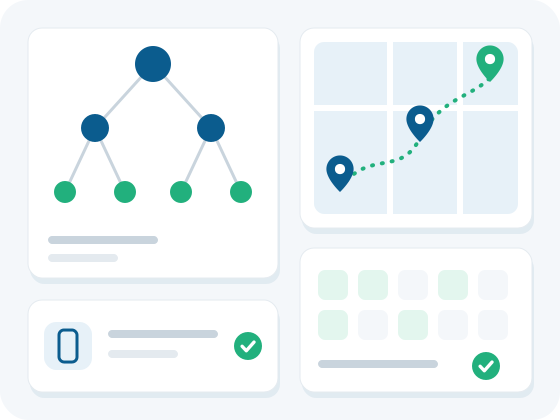
- Management dashboard: KPIs for calls (happened vs missed), plan adherence, coverage and expenses, with department filters and a "Waiting for approval" queue.
- Employees, departments, designations and teams: a reporting ladder inside each department (for example MR → ASM → RSM → ZSM → NSM), with optional allowance rates per designation.
- Field ladder and field structure: define your own levels from the outside in (Region → Group → Zone → Territory → Brick), with managers and products linked where you need them.
- Work and tour plans with approval: reps submit weekly plans doctor by doctor, and approved plans become the baseline for adherence and coverage.
- Doctor call reports and event log: planned and unplanned calls by date, session and outcome, with missed-call reasons, GPS flagging and CSV export.
- Samples, gifts and gift requests: warehouse stock by lot assigned to reps, plus doctor gift requests that move up a multi-level approval chain.
- E-detailing and literature: upload detailing assets (PDF literature, images or video) and link a pack to one or more products. Any MR calling on those products can open the literature during the call, and the number of sessions is shown.
- Coaching: log a coaching session for a rep on a chosen date, with 1–5 scores for detailing, knowledge and compliance, a joint-working flag, notes and action items.
- Phone and device approval: a new phone stays blocked until a manager or HR approves it.
Expenses
Claims that follow your rules, approved at the right level.
Claims follow your expense heads and allowance rates, with fuel and mileage worked out from your rates, and every approval follows the right chain of command.
- Expense approvals: travelling claims show the amount claimed next to the amount approved, line by line, and simple expenses can be approved or rejected straight from the list.
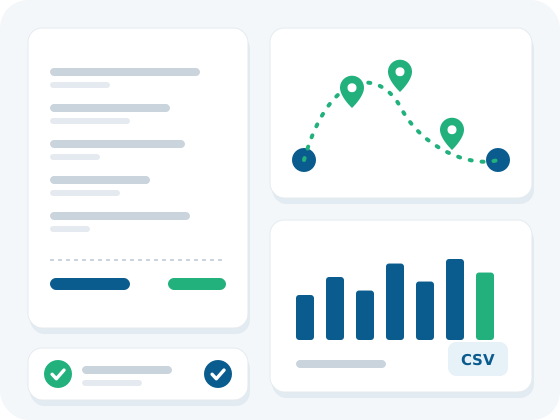
- Fuel compensation: the app suggests a round trip (home → doctors → home), and the amount is kilometres × your rate per km.
- Tracking and reports: calls, call average, coverage, plan adherence, approved expenses and attainment for any date range, with CSV exports.
- Expense heads: claim types shown once a rep picks Local, Meeting or Out Station, each with its own receipt rule.
- Towns and distances: towns with region, category and headquarters flag, plus the distance matrix travelling claims use for mileage.
Masters
Configure Ozilo your way. Nothing is fixed.
Customer types, classes, event types and roles are set up by you, so Ozilo matches how your company actually works.
- Customers and doctors: the doctors and chemists your team calls on, with category, class, brick and GPS status.
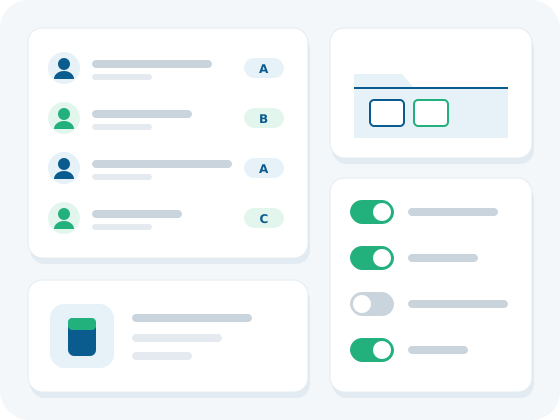
- Customer setup: your own customer kinds, A / B / C classes with visits per month, and custom fields such as specialty or licence number.
- Products: name, SKU, brand, therapy and thumbnail, with a flag for gift and promotional items.
- Content library: one folder per product for prescribing sheets, brochures and other files.
- Event types: built-in work-plan types plus your own, with rules for customers, geofence, claimable meetings and adherence.
- Roles and permissions: system roles such as company admin, manager, MR, finance and analyst, plus custom roles.
- Settings: expense policy, tour-plan submission window, geofence radius and company allowance rates.
Sales & performance
Link field effort to results.
Secondary sales, targets and incentives sit alongside field activity, so effort and results are measured in one place.
- Sales reports: match a distributor sheet to bricks, and the employees on each brick get the credit.
- Secondary sales import: paste or upload sales as CSV, by period, SKU, quantity and value.
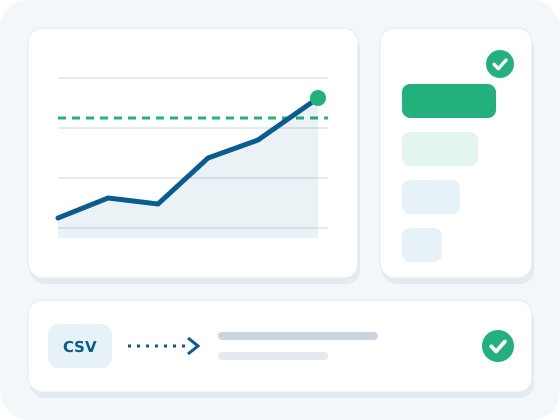
- Targets: monthly targets by product, with attainment for the month.
- Incentives: payout schemes with achievement slabs, built from each person's target and share of secondary sales.
- Incentive approvals: approved lines are what payroll pays.
HR SystemNew
Run HR in the same place.
Leave, attendance, shifts, headcount, employee records, movement and payroll, for the same people and territories as your field force.
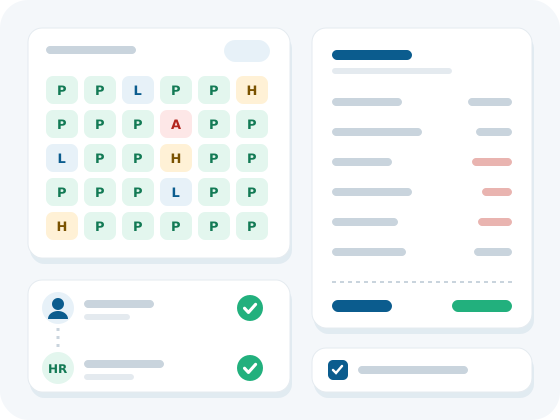
- Leave requests: the reporting manager approves first and HR approves second; either step can reject. Each request shows the type, dates and days (including half days) and its status, with CSV download.
- Leave policy and holidays: yearly days per leave type (casual, earned / annual, sick and unpaid) plus days carried forward. Add holidays such as Eid; a holiday blocks calls, attendance and expense claims for the whole company.
- Attendance: one row per employee per month, marked P (present), L (approved leave), H (holiday) or A (absent). Lock a finished month and download it as CSV.
- Shifts: start and end time, weekly off days and a late-grace setting. Attendance corrections wait here for review.
- Leave calendar: your own leave and your team's, by date, type, portion and status; HR sees the whole company.
- Headcount: joiners and leavers in the month and the closing headcount, by territory, with CSV download.
- Employee records: CNIC, degree and contract files with a list of documents expiring in the next 30 days, a history of role, salary and territory changes, an onboarding checklist and offer-letter templates.
- Advances and assets: salary advances and loan instalments come off the payroll month, an expense advance is settled against an approved claim, and company bikes, phones, tablets, laptops and SIMs are returned before the last day.
- Movement: transfers and promotions take effect on the date you set, alongside appraisals, training attendance and a scorecard of calls and sales.
- Payroll: build a month once attendance is locked. Unpaid leave, tax, EOBI, social security and provident fund come off the pay, and an approved incentive replaces the flat target incentive. Set EOBI, social security and provident fund shares, gratuity and the tax slab effective date. Expense claims stay out of the payroll run.
See it with your own field force.
Ozilo is free for the first 2 months, with your real structure, territories and team.